
AI video generation has gone from a novelty to a genuine content production tool in the span of about two years, and Pika AI has been one of the platforms riding that wave the hardest. It's become a favorite among short-form creators specifically because of its playful, physics-defying effects objects melting, exploding, or inflating on command rather than trying to compete directly with more cinematic tools chasing photorealism.
This Pika AI review breaks down exactly what the platform does well, where it falls short, what it actually costs once you account for how credits really burn, and who it makes sense for in 2026. We'll also touch on why authenticity matters in AI-generated content more than ever this year, given Google's June 2026 spam update and its broader crackdown on low-value, scaled AI content a point that applies to video just as much as it does to written content.
What Is Pika AI?
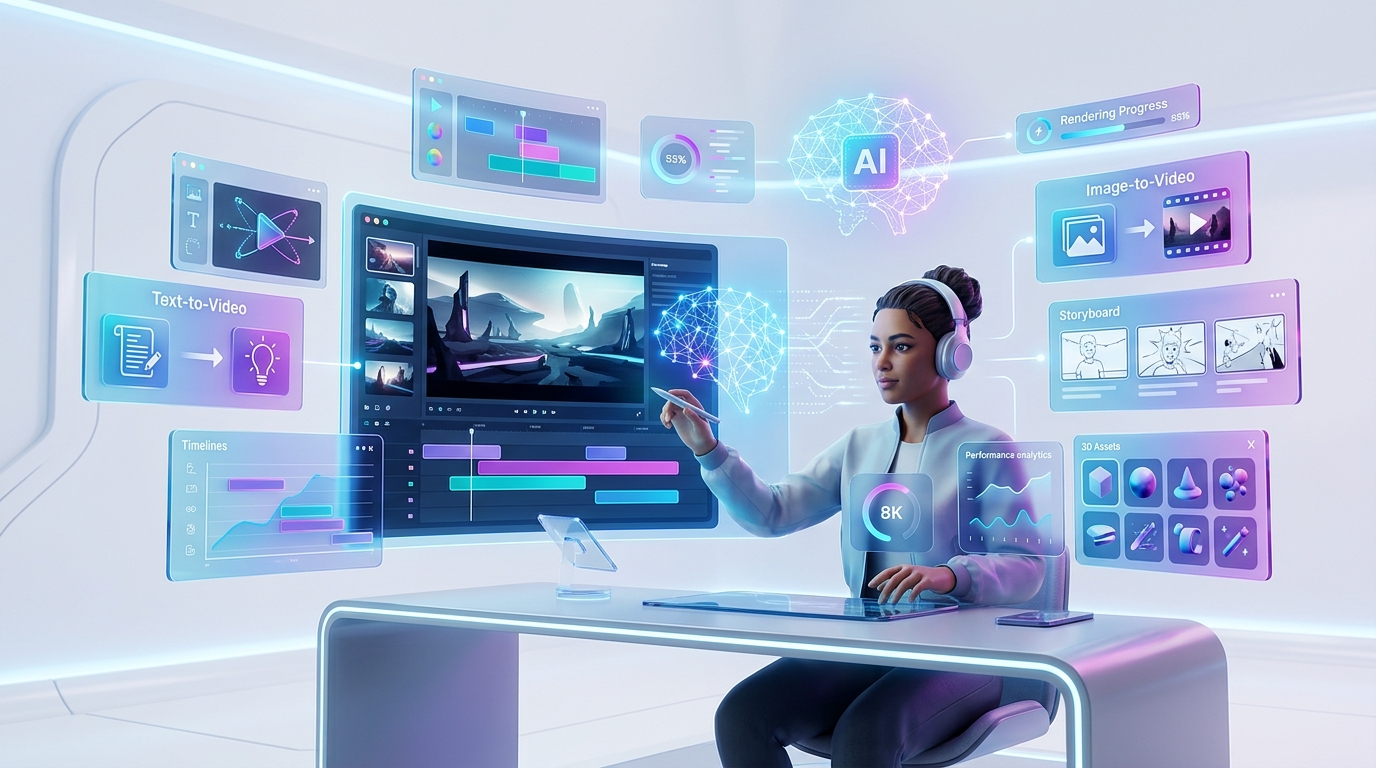
Pika AI, built by Pika Labs, is an AI video generator that turns text prompts, still images, or existing footage into short animated clips, typically up to around ten seconds long. Rather than positioning itself as a tool for professional filmmakers chasing realistic cinematic output, Pika has carved out a clear niche as the fastest, most accessible option for social media creators, marketers, and casual experimenters who want visually striking, shareable clips without a steep learning curve.
The platform runs on its proprietary Pika 2.5 model, supporting resolutions up to 1080p on paid plans, and its interface is built around speed most generations complete in well under two minutes, which matters enormously for creators iterating through multiple prompt variations before landing on something usable.
Pika AI Features: Text-to-Video, Image-to-Video, and Beyond
Pika's core Pika AI video creation workflow supports three primary modes, each suited to a different starting point:
Pika AI text to video generates a clip directly from a written prompt, describing the scene, action, and style you want. This is the most flexible entry point but also the one most dependent on prompt-writing skill vague prompts tend to produce vague, unpredictable results.
Pika AI image to video takes a static photo and brings it to life with motion, camera movement, or a specified action, which tends to produce more consistent, controllable results than starting from text alone, since the model has a concrete visual anchor to work from.
Video-to-video transformation lets users restyle or modify existing footage, useful for creators who want to apply Pika's distinctive effects to real, previously filmed content rather than generating something entirely from scratch.
Beyond these three core modes, Pika's real differentiator is its suite of branded creative tools, which function as an AI video editor layer on top of raw generation:
Pikaffects the platform's signature physics-defying effects, letting objects melt, explode, inflate, squish, or dissolve within a scene on command.
Pikadditions inserting new characters or objects directly into existing footage.
Pikaswaps replacing one object in a scene with another while keeping the surrounding footage coherent.
Pikaframes interpolating smoothly between a defined start and end keyframe, useful for more controlled, intentional motion.
Pikatwists applying stylistic transformations across a clip.
Pikascenes composing multi-element scenes from separate visual inputs.
Pikaformance audio-driven lip-sync, letting a character's mouth movements match an uploaded audio track.
This combination makes Pika function less like a single-purpose text-to-video AI and more like a broader AI animation tool built around a specific creative sensibility playful, effect-driven, and optimized for content that needs to grab attention fast rather than hold up to frame-by-frame scrutiny.
Pika AI Pricing: What You Actually Pay
Pika AI pricing runs on a credit-based system across four tiers, and understanding how credits actually get consumed matters more than the headline price of any single plan.
Free plan: Includes 80 monthly credits, Pika 2.5 access capped at 480p resolution, and access to the core creative effects but generations carry a visible watermark, and there's no commercial usage rights, meaning free-tier output isn't cleared for use in paid marketing or client work.
Standard: Runs roughly $8 to $10 per month depending on annual versus monthly billing, with around 700 monthly credits and unlocked access to 720p and 1080p resolutions.
Pro: Priced around $28 to $35 per month, offering roughly 2,300 monthly credits along with faster generation speeds the tier most frequently recommended for creators publishing AI video on a regular weekly cadence.
Fancy: The top tier, running roughly $76 to $95 per month, includes about 6,000 monthly credits and the platform's fastest generation speed, aimed at agencies, studios, or teams running multiple brand accounts that need real volume headroom.
It's worth noting that third-party pricing summaries vary somewhat on the exact commercial-use and watermark-free cutoffs between tiers some place watermark-free, commercial-ready downloads starting at Standard, others place that threshold at Pro. Given how frequently Pika adjusts its plan structure, it's worth double-checking the current terms directly on Pika's own pricing page before budgeting a campaign around a specific tier.
A crucial detail most reviews bury: credits get deducted whether a generation succeeds or produces something usable, which meaningfully changes the real math on any given plan. A common estimate puts unusable or failed generations at somewhere between 30% and 50% of total attempts, meaning your effective cost per usable clip often runs noticeably higher than the advertised credit-per-video math suggests. Annual billing saves roughly 20% compared to monthly, but locks you into a full year worth approaching cautiously given how much output quality and pricing structure have shifted release to release.
For variable workloads, Pika also offers credit top-up packs that, unlike standard subscription credits, tend to roll over without expiring a genuinely useful option if your usage swings month to month rather than staying consistent.
Pika AI Free Plan: What You Get Before Paying Anything
The Pika AI free plan is a reasonably generous way to test the platform before committing to a subscription. With 80 monthly credits, you can run a handful of generations across the core creative tools, though the 480p resolution cap and mandatory watermark make it unsuitable for anything beyond personal testing or casual, non-commercial experimentation. If your goal is simply evaluating whether Pika's output quality and creative effects fit your workflow before spending money, the free tier accomplishes exactly that.
Pika AI Performance and Real-World Use Cases
In terms of raw Pika AI performance, the platform's reputation is fairly consistent across independent reviews and community discussion: strong for short, punchy, effect-driven content, and notably weaker for anything requiring sustained visual consistency across a longer narrative sequence. Community sentiment on platforms like Reddit tends to place Pika firmly in "best budget option" territory for social content specifically, while acknowledging it trails more cinematically focused competitors on photorealism and scene-to-scene consistency.
That profile maps directly onto where Pika actually excels as a short-form video creator and social media video maker:
AI video for TikTok, Instagram Reels, and YouTube Shorts, where attention-grabbing effects matter more than photorealistic polish.
Rapid concept prototyping, where marketing teams generate quick visual concepts using Pika before committing to a full production shoot.
Viral, effect-driven content, where Pikaffects' signature melt, explode, and inflate transformations are specifically built to drive engagement and shareability.
Meme and experimental content, where speed and novelty matter more than consistency.
Where Pika consistently underperforms is longer-form AI filmmaking and any workflow requiring precise character or scene consistency across multiple shots for that kind of narrative work, more cinematically oriented competitors are a better fit.
Pika AI Pros and Cons
Pros:
Genuinely fast generation speed, typically well under two minutes per clip
Distinctive, highly shareable creative effects unmatched by most competitors
Accessible entry-level pricing compared to several cinematic-focused alternatives
A generous-enough free tier to properly test the platform before paying
Purchased credit top-ups that roll over instead of expiring
Cons:
Credits get consumed on failed or unusable generations, meaningfully raising real-world cost per usable clip
Noticeably weaker consistency and photorealism compared to more cinematically focused competitors
Independent review platforms show a strikingly low satisfaction score, driven heavily by billing confusion and slow or unresponsive customer support rather than the core generation quality itself
Annual billing locks you in for a full year in a product category where both pricing and output quality shift quickly release to release
Commercial usage rights and watermark-free downloads vary by tier in ways that aren't always clearly explained upfront
Pika AI Alternatives Worth Considering
If Pika's short-form, effects-first focus isn't the right match for your specific AI video workflow, a few alternatives are worth comparing directly:
Runway offers stronger editing control and generally better unit economics for high-volume production, making it a common choice for teams prioritizing cost-per-usable-clip over raw creative novelty.
Luma AI's Dream Machine tends to produce more realistic motion and cinematic visual quality, a better fit for narrative or brand-film work than Pika's effects-driven approach.
PixVerse and Magic Hour round out the broader competitive set, each offering a slightly different balance of pricing, feature depth, and workflow integration worth comparing directly against your specific production needs.
The honest takeaway across most independent comparisons: Pika wins on price and creative novelty for short social content, while cinematic competitors win on consistency and photorealism for longer, more polished production work. Neither is a universal "best" the right choice depends entirely on what you're actually producing.
Who Should Actually Use Pika AI?
Pika makes the most sense for social media creators, content marketers, and small teams producing frequent, short, attention-grabbing clips where creative novelty matters more than cinematic polish. It's a genuinely strong fit for rapid concept prototyping too, letting marketing teams visualize an idea quickly before committing budget to a full production shoot.
It's a weaker fit for anyone needing longer-form narrative content, precise character consistency across scenes, or predictable, low-variance monthly costs the credits-consumed-on-failure model makes budgeting harder than a simple flat-rate subscription would, and the documented support and billing complaints are worth weighing seriously before committing to an annual plan.
A Note on Authenticity in AI-Generated Video Content
It's worth connecting this review to a broader principle shaping content strategy in 2026. Google's June 2026 spam update, its second major spam update of the year, expanded enforcement against scaled, low-value content including AI-generated material published purely to fill space rather than genuinely engage an audience. While that policy targets written web content most directly, the same underlying logic applies to AI-generated video used in marketing: viewers, just like search algorithms, have gotten noticeably better at spotting generic, obviously automated content versus something a real creative decision shaped.
The creators getting the most value out of tools like Pika in 2026 aren't the ones generating volume for its own sake they're the ones using AI generation as a genuinely creative starting point, then applying real editorial judgment about what's actually worth publishing. That distinction matters for AI content creation broadly, and it's exactly what separates a tool used well from a tool used to flood a feed with forgettable filler.
conclusion
Pika AI earns its reputation as a strong best AI video generator pick specifically within the short-form, budget-conscious, effects-driven niche it's built for fast, accessible, and genuinely fun to experiment with. It's not the right tool if your priority is cinematic consistency, predictable monthly costs, or dependable customer support when something goes wrong, and the credits-on-failed-generations model is worth understanding fully before committing to any paid tier.
If your content lives on TikTok, Instagram Reels, or YouTube Shorts and you value creative novelty over photorealistic polish, Pika is genuinely worth testing on the free tier before deciding whether a paid plan fits your production workflow. If you need longer, more consistent, narrative-driven output, it's worth comparing directly against Runway or Luma AI before committing your budget.
Found this helpful? Share it with others who might benefit from these insights!
Submit Your AI Tool