

About AI Image Changer App
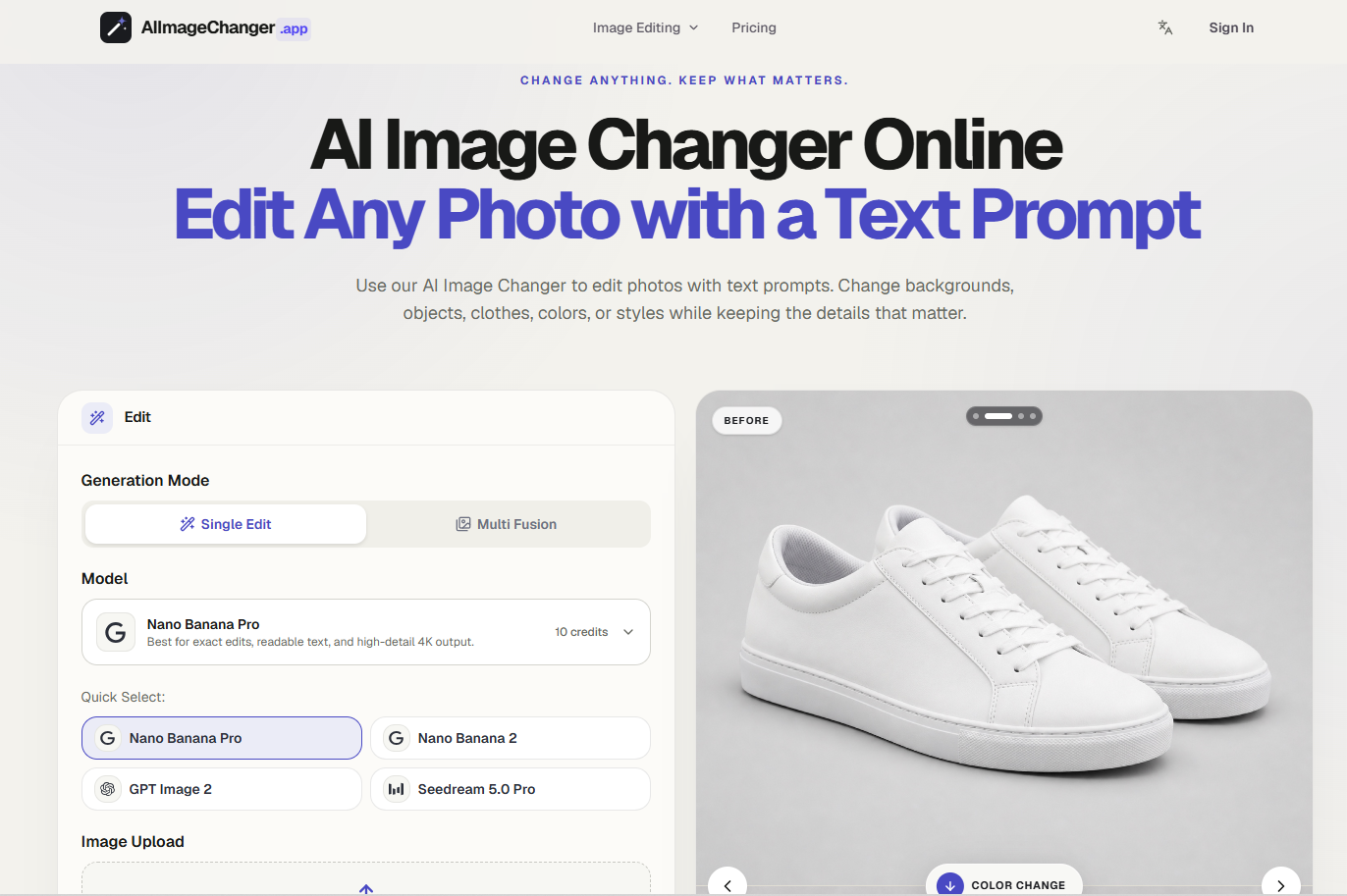
AI Image changer app lets you edit photos by typing what you want changed — no layers, masks, or design software required.
Traditional photo editing tools require learning selection tools, masking, and layer stacking just to swap a background or change a shirt color. AI Image changer app replaces that workflow with plain-language prompts: describe the change, and the AI applies it while keeping the rest of the image intact.
What you can change:
Backgrounds — swap scenes, remove clutter, or place a subject in a new setting
Objects — add, remove, or modify specific elements in a photo
Clothing — change outfits, colors, or styles on a subject
Colors — adjust color schemes without manual color-picking
Styles — apply a different visual style or mood to an existing photo
Why prompt-based editing matters:
Most AI image tools either regenerate the whole image (losing the original details) or require precise manual masking (which takes skill and time). AI Image Changer App is built to make targeted edits — changing only what's described in the prompt — so the rest of the photo stays recognizably the same.
Pricing:
AI Image Changer App is freemium. New accounts get 10 signup credits valid for 30 days to try the editor before committing. Paid monthly plans are available at $29, $49, and $99, scaling with usage/credit volume.
Plan Type
Freemium (10 free credits for 30 days; paid plans at $29/$49/$99 per month)
Features
Browser-based — no software installation required
Plain-language prompt editing (no manual masking or layers)
Background replacement
Object addition/removal
Clothing and outfit changes
Color adjustment
Style transformation
Preserves unedited details (faces, proportions, unrelated elements)
What you can do with it
Pros & cons
Synthesised from user reviews and hands-on testing. No tool is perfect — here's where each shines and where it stumbles.
- No design skills or software needed — prompt-based interface
- Fast, targeted edits without full image regeneration
- Flexible pricing with a free trial (10 credits/30 days)
- Covers a wide range of edit types in one tool (background, object, clothing, color, style)
- Free tier is credit- and time-limited (30 days)
- Complex edits may still require prompt iteration to get precise results
- Monthly plan tiers may be more than needed for occasional/one-off users
- Browser-based tool — no mention of offline or desktop app availability