

About Pixnova AI
PixNova AI Review 2026: Is the Free Plan Actually Worth It?
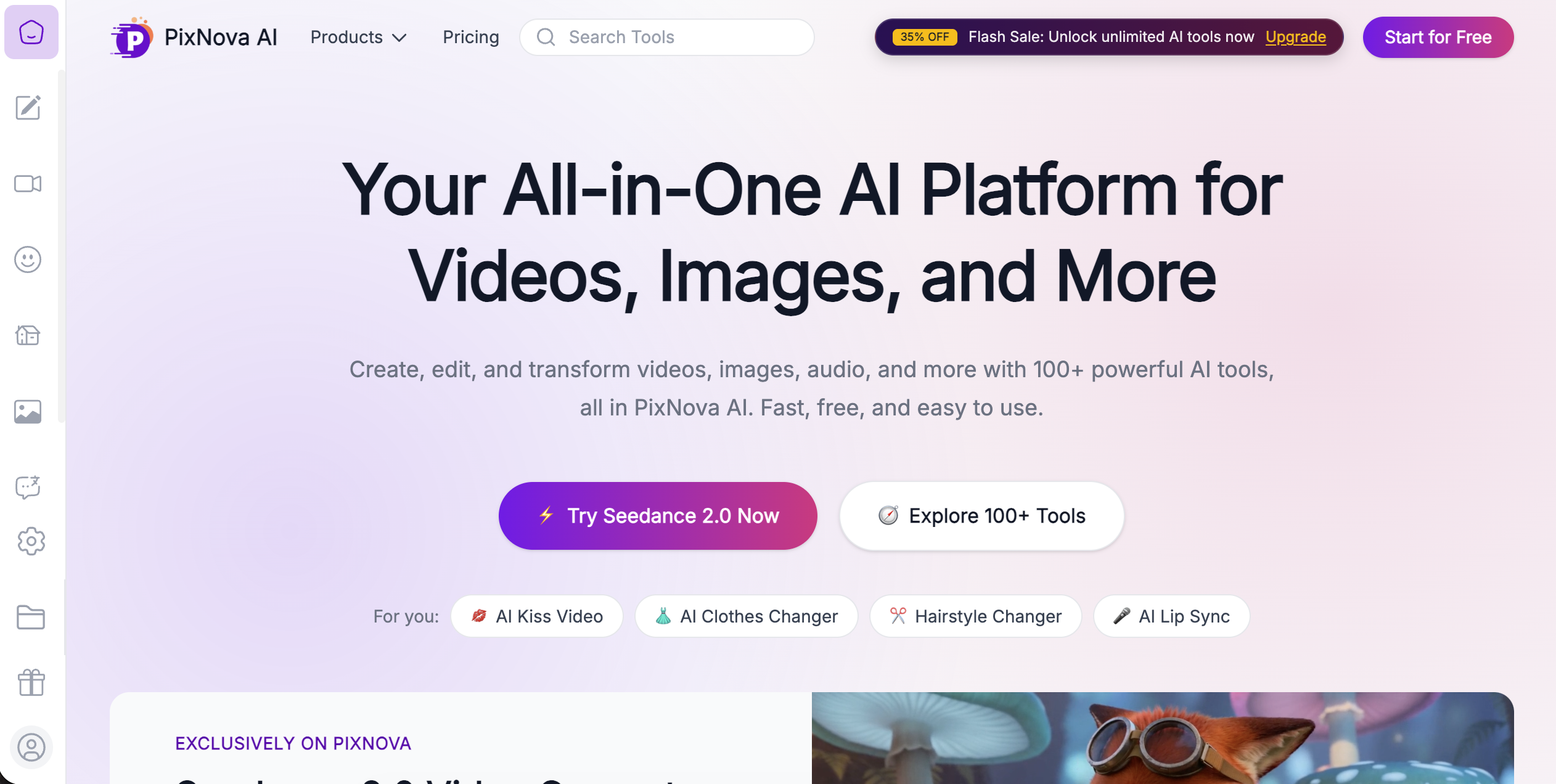
PixNova AI is a browser-based AI image and video editing platform that runs 100+ tools at zero cost, requires no account, and puts no watermark on most outputs. It covers face swapping in photos, GIFs, and video clips, plus background removal, photo enhancement, image upscaling, text-to-image generation, and a headshot generator. Social media managers, e-commerce sellers, and casual creators use it to get fast, usable image edits without paying a monthly subscription. This review covers what PixNova AI does well, where it falls short, how it prices its advanced features, and whether it belongs in your workflow in 2026.
What Is PixNova AI?
PixNova AI is a free, browser-based AI image creation and photo editing platform. It builds its identity around one thing most competitors charge for: face swapping. The platform lets users swap faces in photos, animated GIFs, and short video clips, alongside a wide toolkit covering background removal, style transfer, image upscaling, and AI-generated portraits.
No download. No account. No credit card. You open the browser, upload a photo, pick a tool, and get output within seconds.
That combination is genuinely rare. Most AI image tools either charge from the first edit or force a watermark onto free outputs to push users toward a paid plan. PixNova AI does neither for its core feature set, which is the main reason it has built a following among creators who need fast, practical edits without committing to a subscription.
PixNova AI Features
PixNova AI packs more tools into its free tier than most comparable platforms. Here is what the platform actually includes:
Face Swap (Photo, GIF, Video)
The platform's core feature. Users upload a source photo and a target image, and PixNova swaps the face with reasonably convincing blending for casual use. It handles single and multiple face swaps. At normal viewing size, the result holds up well. Under close inspection, seams are visible compared to paid alternatives.
Multiple Face Swap
Swaps several faces in a single image at once. Useful for group photos and creative content.
AI Photo Generator
Generates new images from text prompts. Output quality works for quick social content and concept testing. It does not compete with Midjourney or FLUX on artistic depth.
AI Body Generator and Clothes Changer
Alters a subject's body or outfit within an existing photo. Popular for virtual try-ons and creative experimentation.
AI Hairstyle Changer
Previews different hairstyles on an uploaded photo. Built for personal experimentation, not professional output.
Tattoo Generator
Adds AI-generated tattoo designs to uploaded photos.
Photo-to-Anime and Photo-to-Sketch
Converts real photos into anime-style illustrations or pencil sketch aesthetics.
Background and Object Removal
Removes unwanted elements from photos and fills the gap with AI-generated background content. Performs reliably for product photos and social content.
Watermark Eraser
Removes watermarks from uploaded images. Use this only on images you have rights to edit.
AI Image Upscaler (up to 4x)
Increases resolution while preserving detail. Useful for cleaning up low-quality source images before publishing.
AI Photo Enhancer
Corrects lighting, sharpness, and color balance automatically in one click.
AI Headshot Generator
Turns an ordinary photo into a polished, professional-looking portrait. A practical shortcut for a LinkedIn profile photo without booking a studio session.
AI Video Generator
Generates short AI video clips from prompts. The free tier caps video length at around 10 seconds. Longer outputs require credits.
PixNova AI Pricing
PlanCostWhat You GetFree$0Core tools, no sign-up, no forced watermarkCredit-basedPay per useLonger videos and select advanced features
PixNova AI's pricing works differently from most AI image tools. The core toolkit is free with no account required. Advanced outputs, particularly AI video longer than 10 seconds, sit behind a one-time credit purchase rather than a forced monthly subscription.
This matters. Most competitors push users into $10 to $30 per month subscriptions the moment they want anything beyond basic edits. PixNova lets you pay for specific advanced features only when you actually need them. For a social media manager running occasional projects, that credit model is significantly cheaper than a recurring subscription.
Test the specific feature you need before assuming it is included at zero cost. The free tier covers a lot, but not everything.
PixNova AI vs Midjourney
Midjourney produces significantly better artistic images, handles complex prompts with more precision, and delivers professional-grade output. It starts at $10 per month with no free plan. PixNova is the right pick when you need fast, practical edits at zero cost. Midjourney is the right pick when output quality actually matters for the final product.
PixNova AI vs Adobe Firefly
Firefly's big advantage is commercially-safe training data. Brands and agencies with legal exposure around AI-generated content should use Firefly, not PixNova. Firefly also integrates directly into Photoshop and Illustrator, which changes the workflow entirely for design teams already in Adobe.
PixNova AI vs Canva AI
Canva AI lives inside a full design and template system. Pick Canva when you are building a complete graphic, from a social post to a presentation slide. Pick PixNova when you need to edit or transform a specific photo.
PixNova AI vs FLUX
FLUX leads on photorealistic output and precise prompt adherence for professional-grade generation. PixNova wins on price and accessibility. These tools are not really competing for the same user.
PixNova AI vs DALL·E
DALL·E handles complex scene composition better and benefits from tighter OpenAI integration. PixNova's generation quality trails DALL·E on creative prompts but is competitive for quick, low-stakes image needs.
Who Should Use PixNova AI
PixNova AI is the right tool for four specific types of users.
Social media managers who need shareable visuals fast, prioritize turnaround time over pixel-perfect quality, and have no budget for a monthly subscription.
E-commerce sellers who shoot product photos on a phone and need background removal, light enhancement, and upscaling before listing on Amazon or Shopify.
Job seekers and professionals who want a clean LinkedIn headshot without booking a photographer. The AI headshot generator produces polished portraits from ordinary photos in seconds.
Casual creators making memes, trying new hairstyles digitally, or converting photos to anime art for social content.
PixNova AI is not the right tool for design agencies handling commercial client work, photographers who need fine-grained artistic control, or brands with specific legal requirements around AI training data provenance.
A Note on Responsible Face Swap Use
Face swap tools are useful for consensual creative content. They become a problem the moment you use them to impersonate someone without their permission, create misleading content presented as real, or target anyone in a way meant to deceive. Only use PixNova's face swap on photos of people who have agreed to the edit. Never use it to fabricate a depiction of a real person presented as authentic.
What you can do with it
Pros & cons
Synthesised from user reviews and hands-on testing. No tool is perfect — here's where each shines and where it stumbles.
- Free core toolset with no account required and no forced watermark
- Over 100 tools in a single browser-based platform
- Face swap works across photos, GIFs, and video clips
- Fast output, typically within seconds for photo edits
- Strong background removal and upscaling for e-commerce use
- Credit-based pricing for advanced features instead of a forced subscription
- AI headshot generator produces genuinely usable professional portraits
- No downloads, works on any device with a browser
- Artistic image quality trails Midjourney and FLUX by a noticeable margin
- Face swap shows visible seams under close inspection vs paid alternatives
- Commercial-use terms are less clearly documented than Adobe Firefly
- AI video generation caps at 10 seconds on the free tier
- Smaller platform with less long-term reliability certainty than major providers
- Prompt adherence for complex scenes is weaker than DALL·E
- No integration with professional design suites like Adobe